Raid prep
Pick the map you’re about to play and see everything your active quests want there.
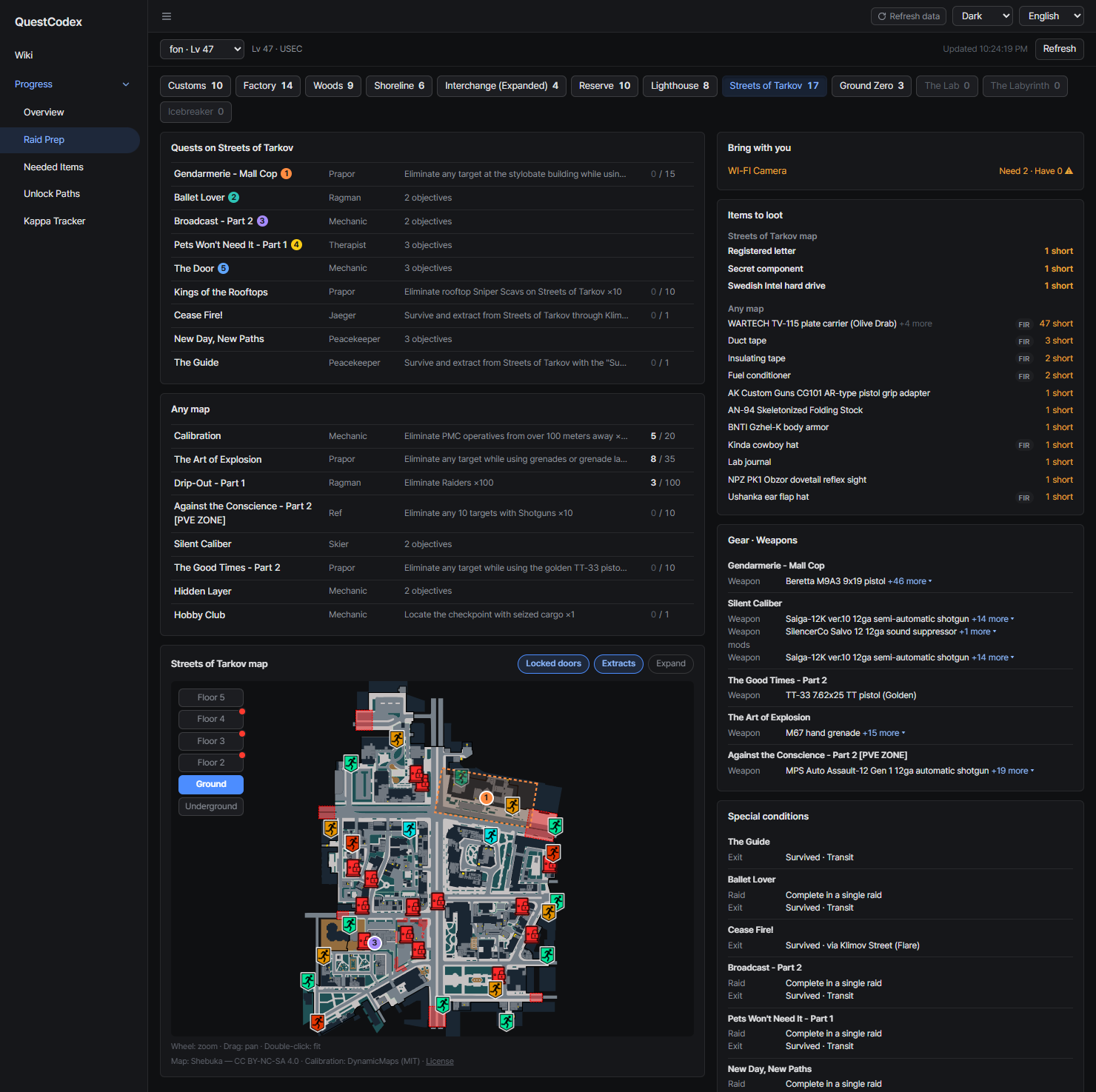
Map tabs
Each map tab shows how many open objectives it has. A map your server has gets a tab even with no quests on it yet, such as the Icebreaker, so you can still check its extracts and locked doors.

Quests on this map
Quests with objectives on the selected map, plus objectives you can do on any map, grouped per quest. Expanding a quest dims the objectives that belong to other maps.
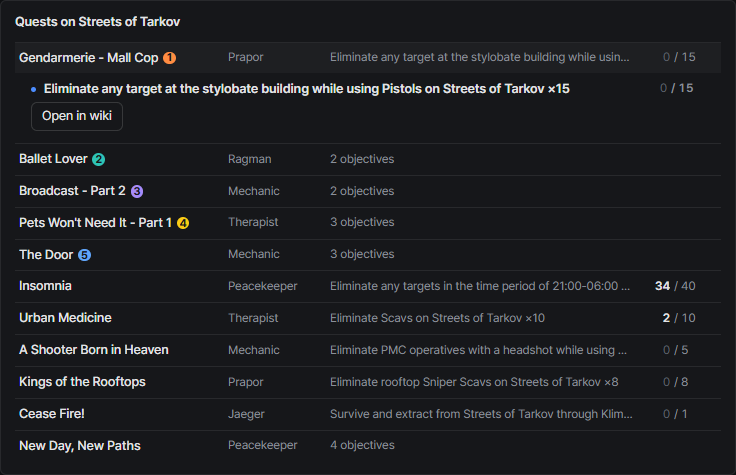
Quests drawn on the map come first, then quests with counters by progress, then the rest by name.
Map
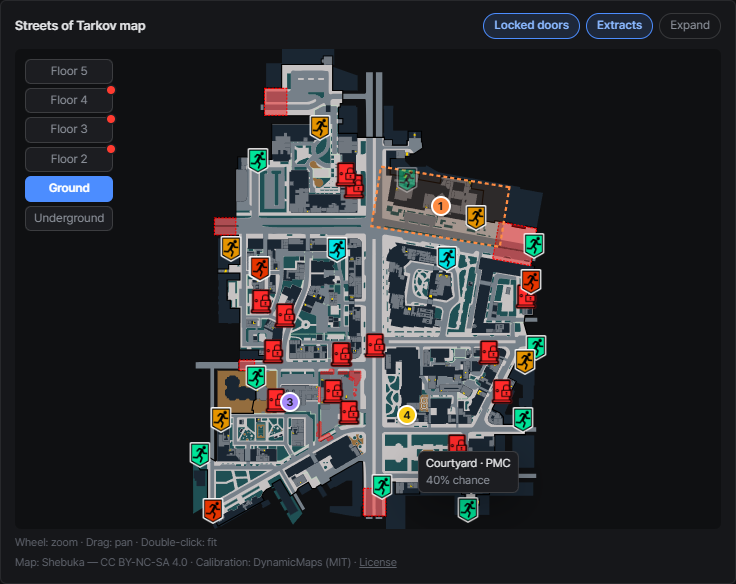
Under the quest lists sits a map card that follows the selected map tab and stays in view while you scroll. It’s the same map as the wiki’s quest locations map, with all the quests on this map at once.
- Quest rows carry the same colored number as their markers. Hover either side to highlight the other
- Floor buttons, objective areas and the Locked doors toggle work like in the wiki. Lock icons near a marker tell you which key you may want to bring
- Extracts shows the map’s extracts and transits. Hover one to check its requirement and spawn chance before you plan your way out
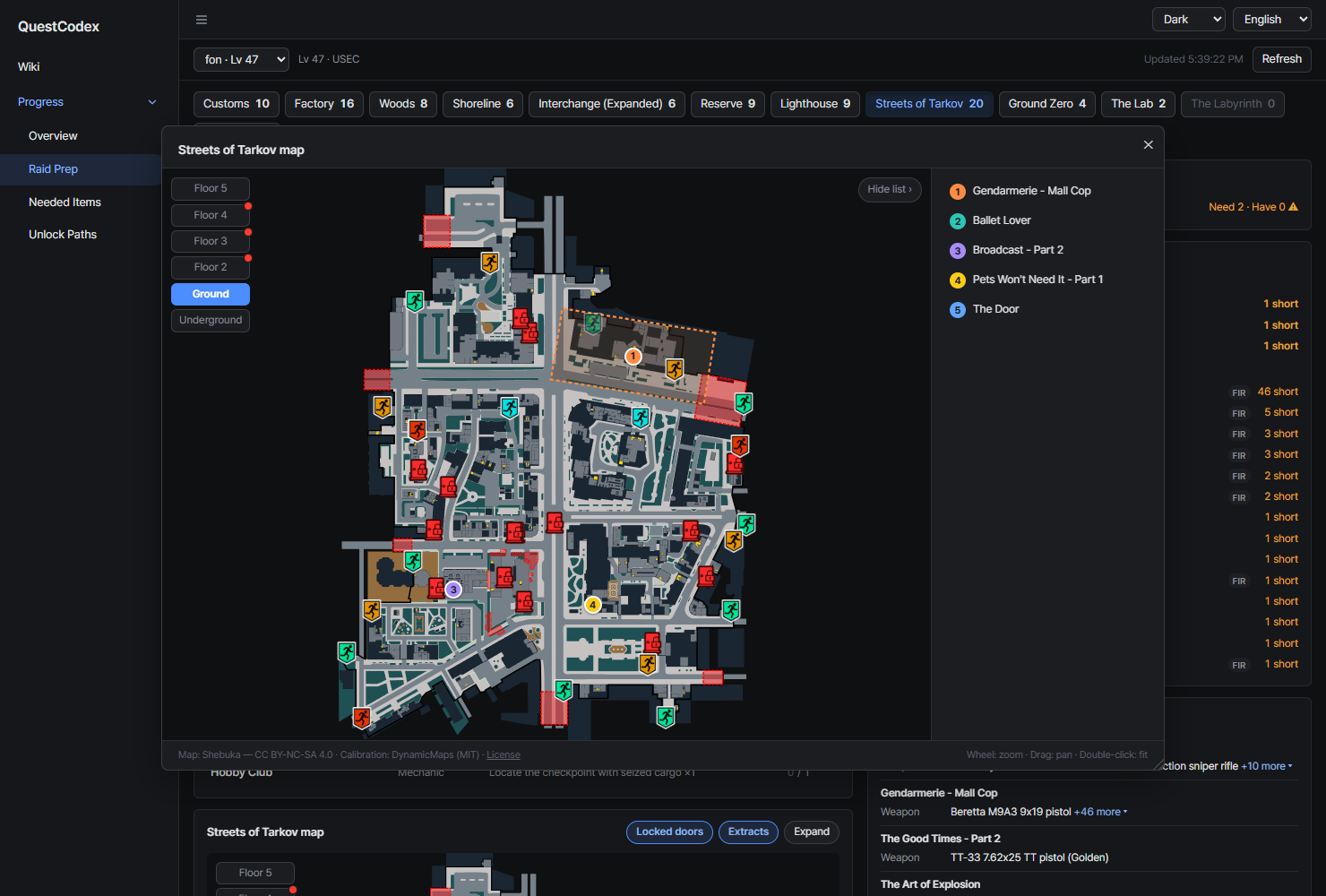
Expand opens the map in a movable, resizable window with a numbered quest list. The page behind it stays scrollable and clickable. Close it with the close button or Esc.
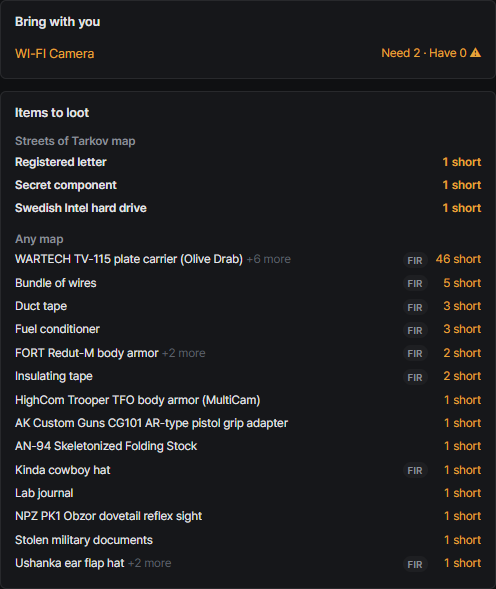
Bring with you / Items to loot
- Bring with you: items to plant on this map, with how many you need and how many you have
- Items to loot: items your quests want you to find on this map
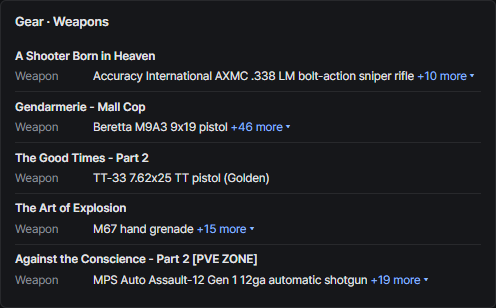
Gear and special conditions
- Gear · Weapons: required or banned gear and allowed weapons, grouped per quest
- Special conditions: rules like completing in a single raid or using a specific exit
Objectives without map data take the map named in their text, and are marked as inferred.